Working
A bubble over her head says what your agent is doing: editing, running, searching.
For Claude Code, Codex, Cursor, OpenCode, Hermes Agent and Antigravity
ThatPet lives on your desktop and reacts to your coding agent as it works. She thinks when it thinks, types when it works, waves when it needs you and celebrates when it’s done.
Paste into Terminal. It installs ThatPet in Applications and opens it. macOS 13 or later, Apple silicon or Intel.
One small hook in each agent tells her what’s happening, the moment it happens.
A bubble over her head says what your agent is doing: editing, running, searching.
Waiting for your approval? She waves you over. Click her to jump back to it.
The turn is finished. Confetti.
Your prompt lands and she thinks it over with your agent.
Say yes and she says thanks.
A tool failed. She notices, then gets back to work.

A little surprise. We won’t spoil it.
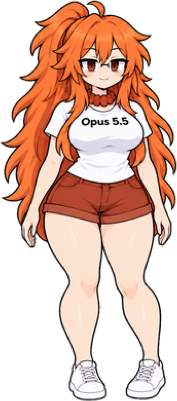
Opus 5.5 comes free. Add the others whenever you like.
Smug and brilliant. Pushes up her glasses when she’s right.
Free, included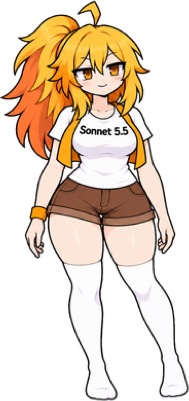

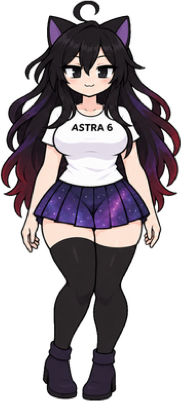
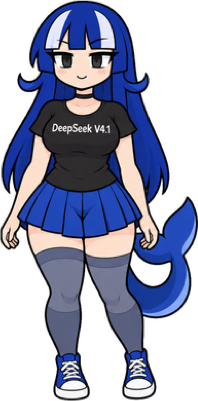
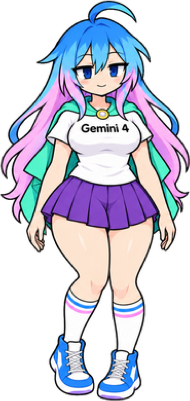
Blue-to-pink hair, a mint cape and a violet skirt. Calm, quick and one step ahead.
Unlock for $4.99
Pastel rainbow hair, a mint cape and an answer before you finish asking.
Unlock for $4.99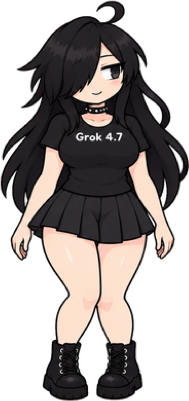
Long black hair over one eye, a spiked choker and combat boots. Cool on the outside, a little bit chaotic.
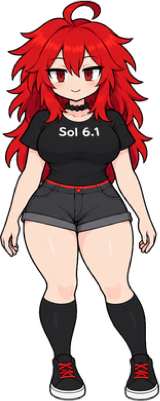
Unlock for $4.99Sonnet, Haiku, Astra, DeepSeek, Sol, Argon, Flash and Grok with one key. You save $9.93.
One-time payment · Your key arrives by email in seconds · Up to 3 computers · Secure checkout by Stripe
Yes. The app, every feature and Opus 5.5 are free. Sonnet 5.5, Haiku 5.5, Astra 6, DeepSeek V4.1, Sol 6.1, Gemini 4 Argon, Gemini 3.8 Flash and Grok 4.7 are one-time unlocks.
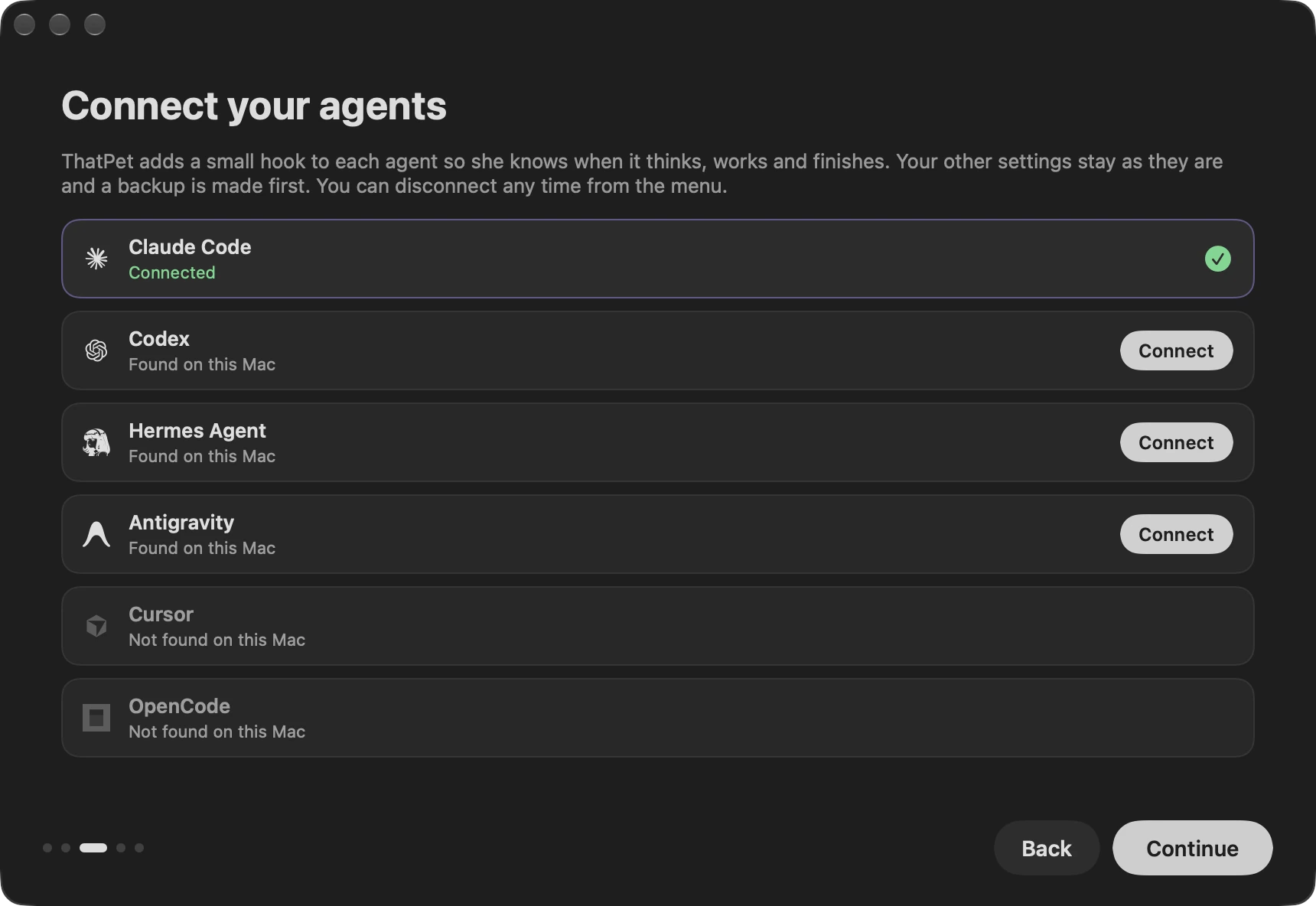
Claude Code, Codex, Cursor, OpenCode, Hermes Agent and Antigravity, in the terminal or in their desktop apps. The welcome window lists the agents it finds on your computer first, and you connect each one with a click. ThatPet adds one small hook, leaves your other settings alone and backs up the file first. You can disconnect any time from the menu.
No. The hooks run on your computer and only tell her what your agent is doing: thinking, working, waiting or done. ThatPet sends pet.thatlev.com anonymous usage reports (a random install ID, the app and system version, milestones such as connecting an agent, which of her buttons and menus get used, and how many minutes and turns your agents worked) so the app can get better, plus a licence check when you unlock a character. Never prompts, code, file names or anything about you. Turn the reports off any time in Settings → Share Anonymous Usage. Send Feedback… in her menu sends only what you write there (and your email if you want a reply), with the app version, system and character.
No. It is a native app. On a Mac it sits close to 0% CPU at rest and around 1% while she walks.
A Mac with macOS 13 or later (Apple silicon or Intel), Windows 10 version 1803 or later or Windows 11 (x64 or ARM64, beta), or Linux with GNOME, KDE Plasma, Hyprland, sway or another Wayland or X11 desktop, NixOS included, on x86_64, ARM (64 and 32-bit), RISC-V and other architectures (beta).
Copy the one line for your system at the top of this page and paste it into Terminal (Mac and Linux) or PowerShell (Windows). It checks the download, installs ThatPet for you and opens it. Run it again any time to update.
Open ThatPet from the menu bar (on Windows, the system tray), choose Characters → Enter License Key, paste the key from your email and press Unlock. One key works on up to 3 computers.
Read the refund policy or email [email protected].
Paste into Terminal. It installs ThatPet in Applications and opens it. macOS 13 or later, Apple silicon or Intel.
Get one email when the next one lands, before anyone else.